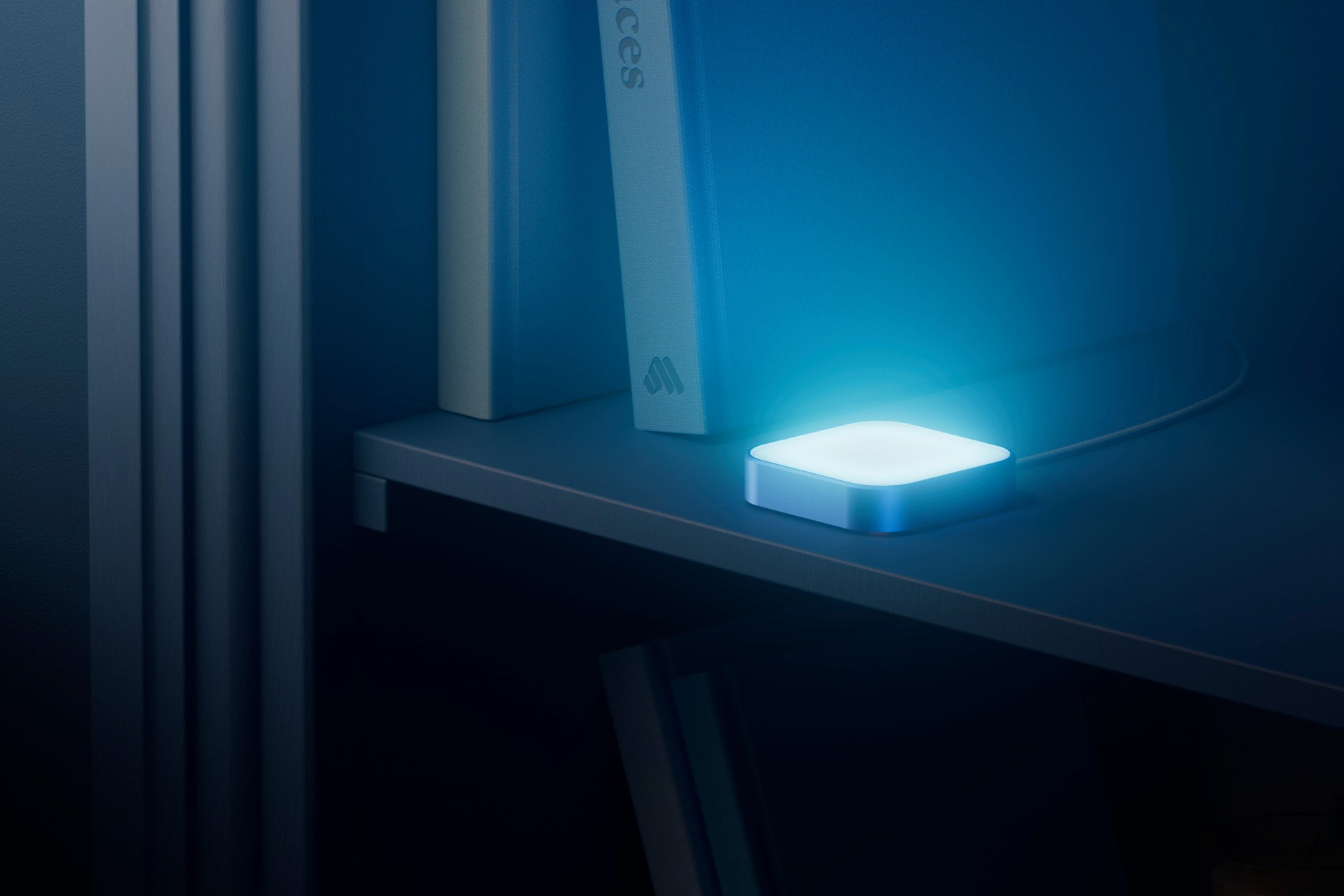
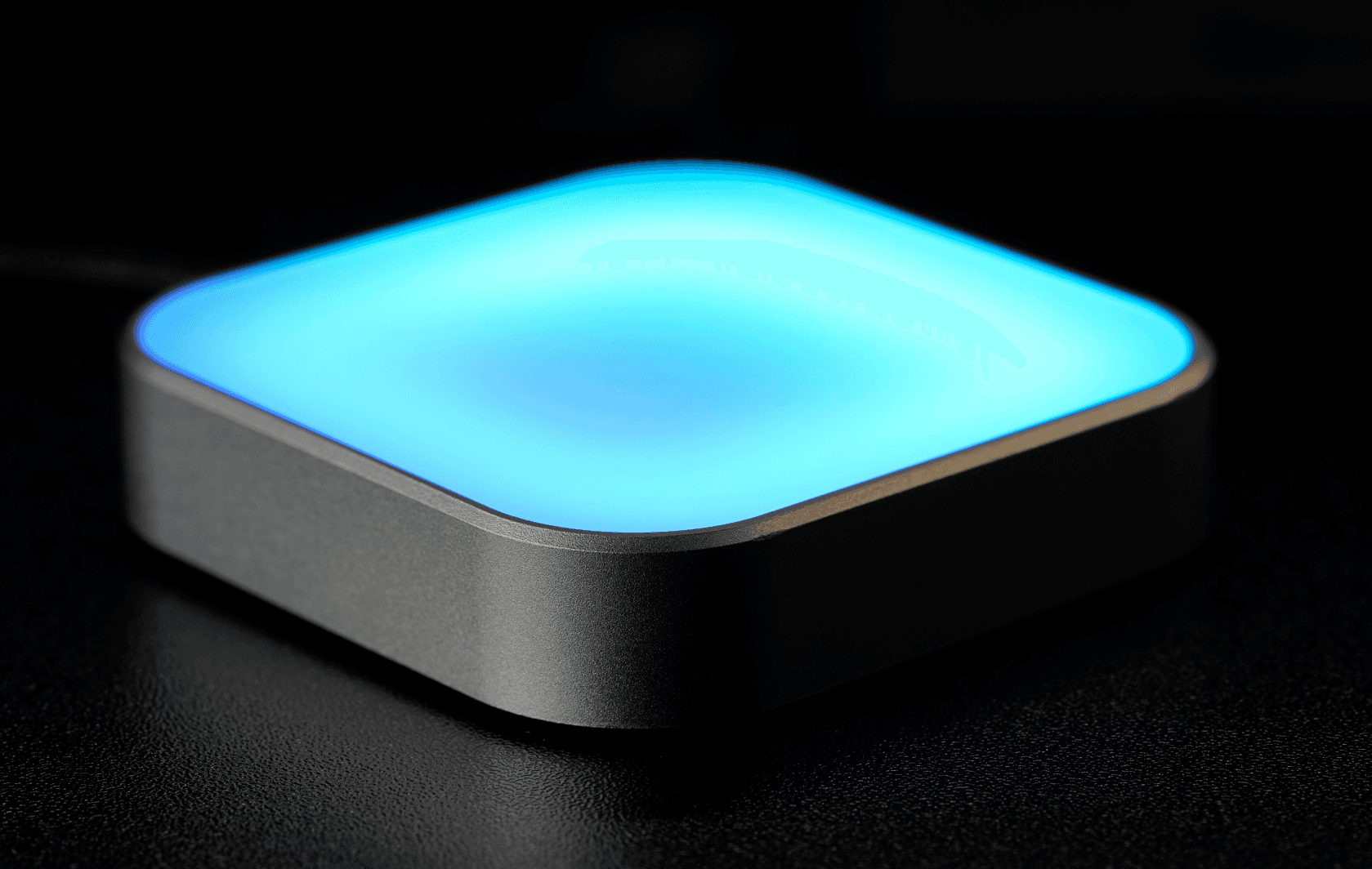
Luma is a calm, visual reminder device that replaces noisy alarms and pings with elegant ambient light.

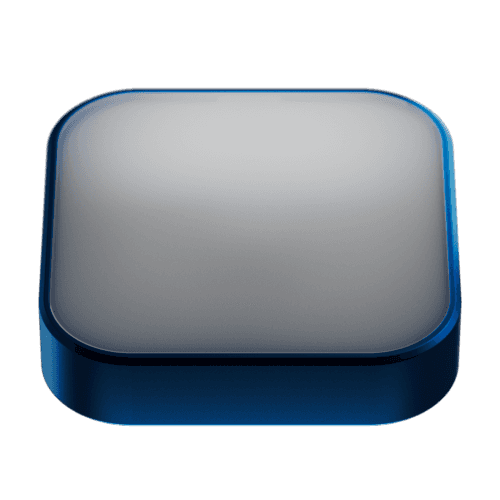
Not all habits are created equal.
But you wouldn't know it in today's world. Over time, notifications and alerts have been optimized to compete for your attention, interrupting and often demanding an immediate response: (Complete, Snooze, Dismiss…).
Luma is a new reminder system
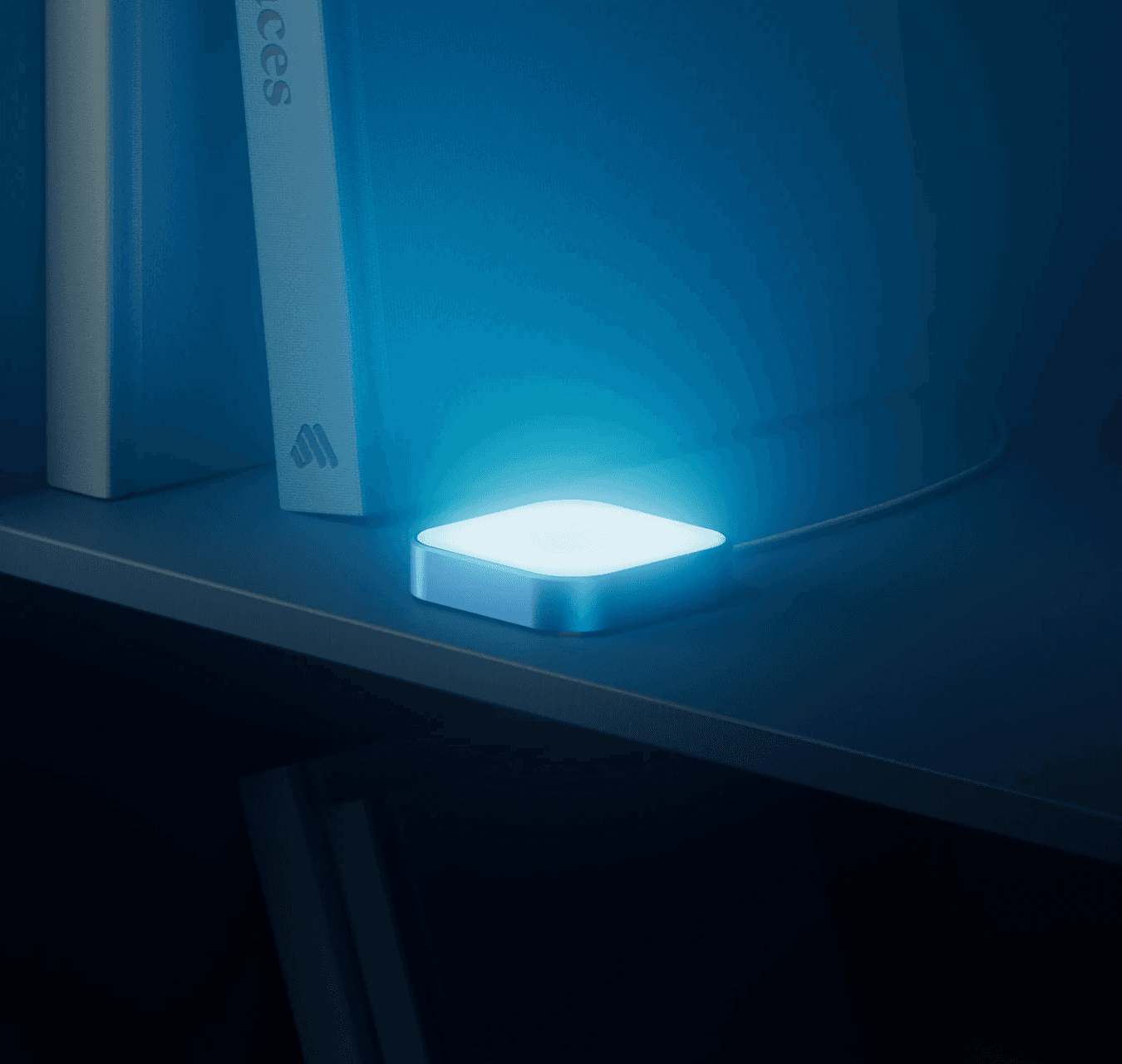
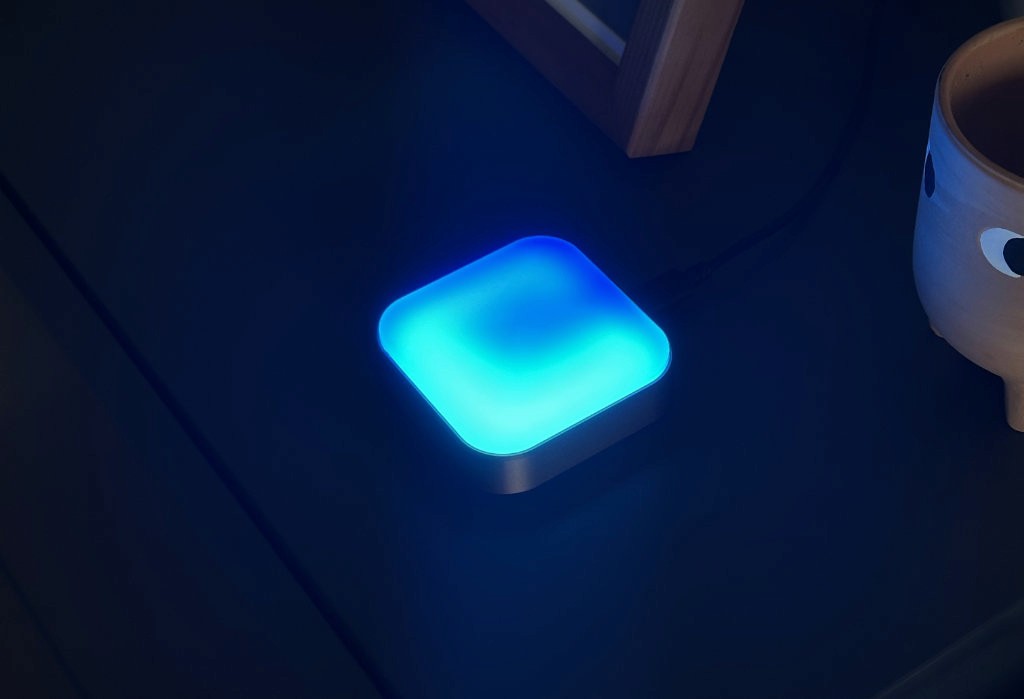
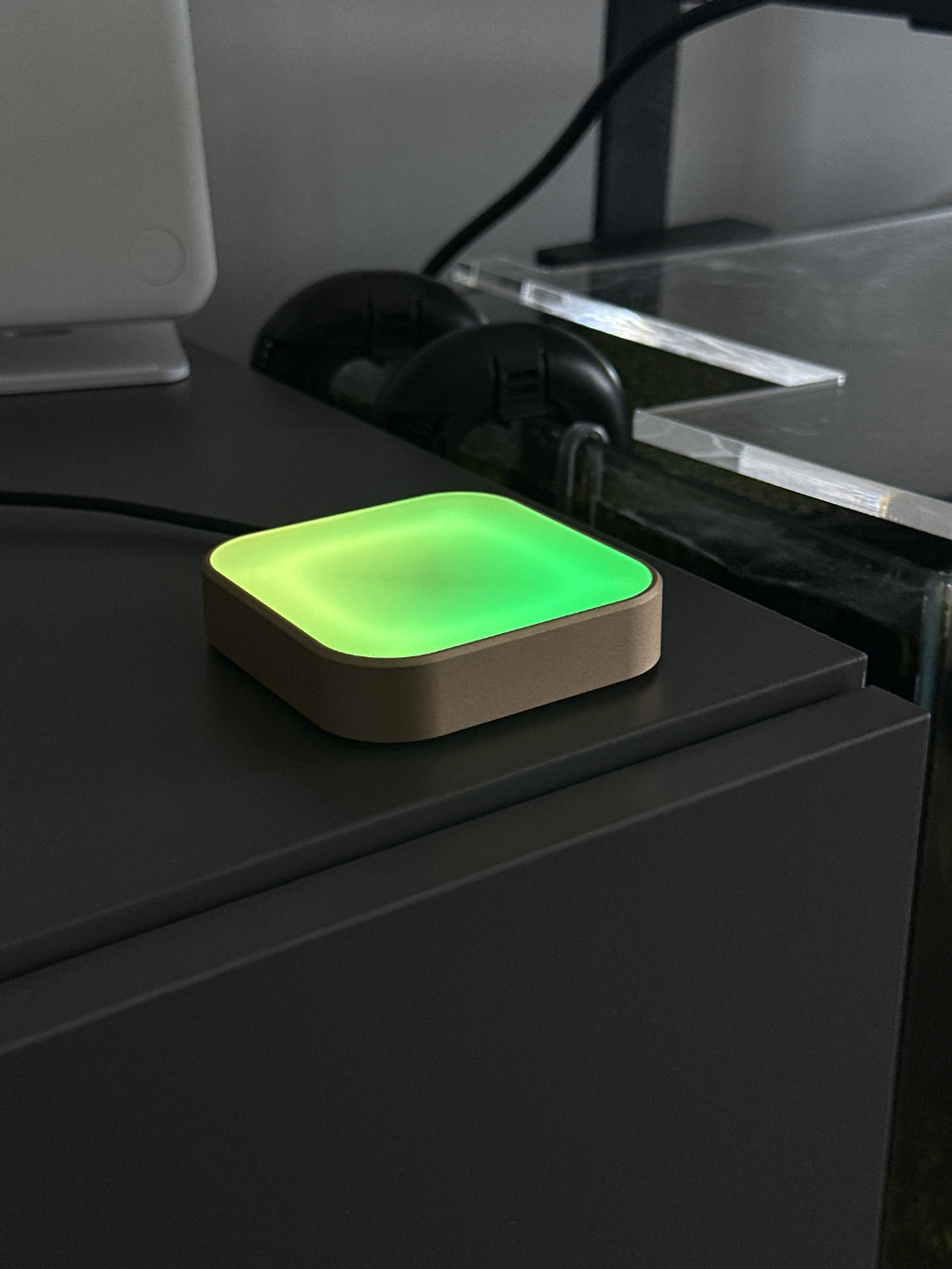
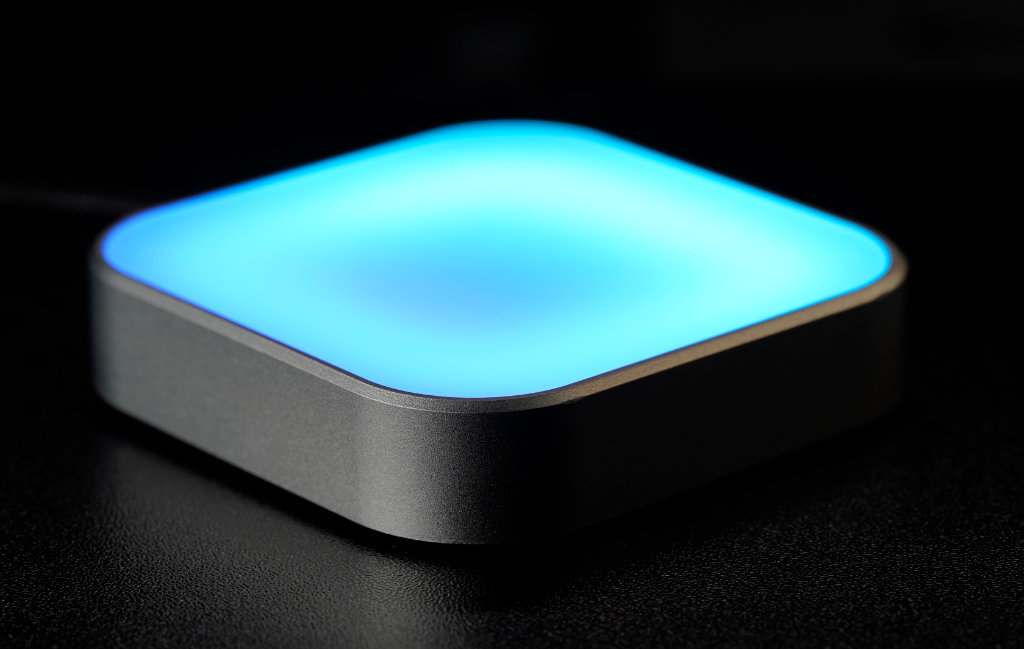
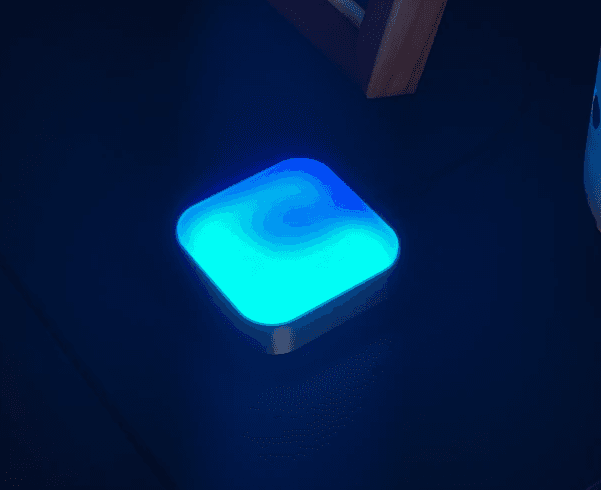
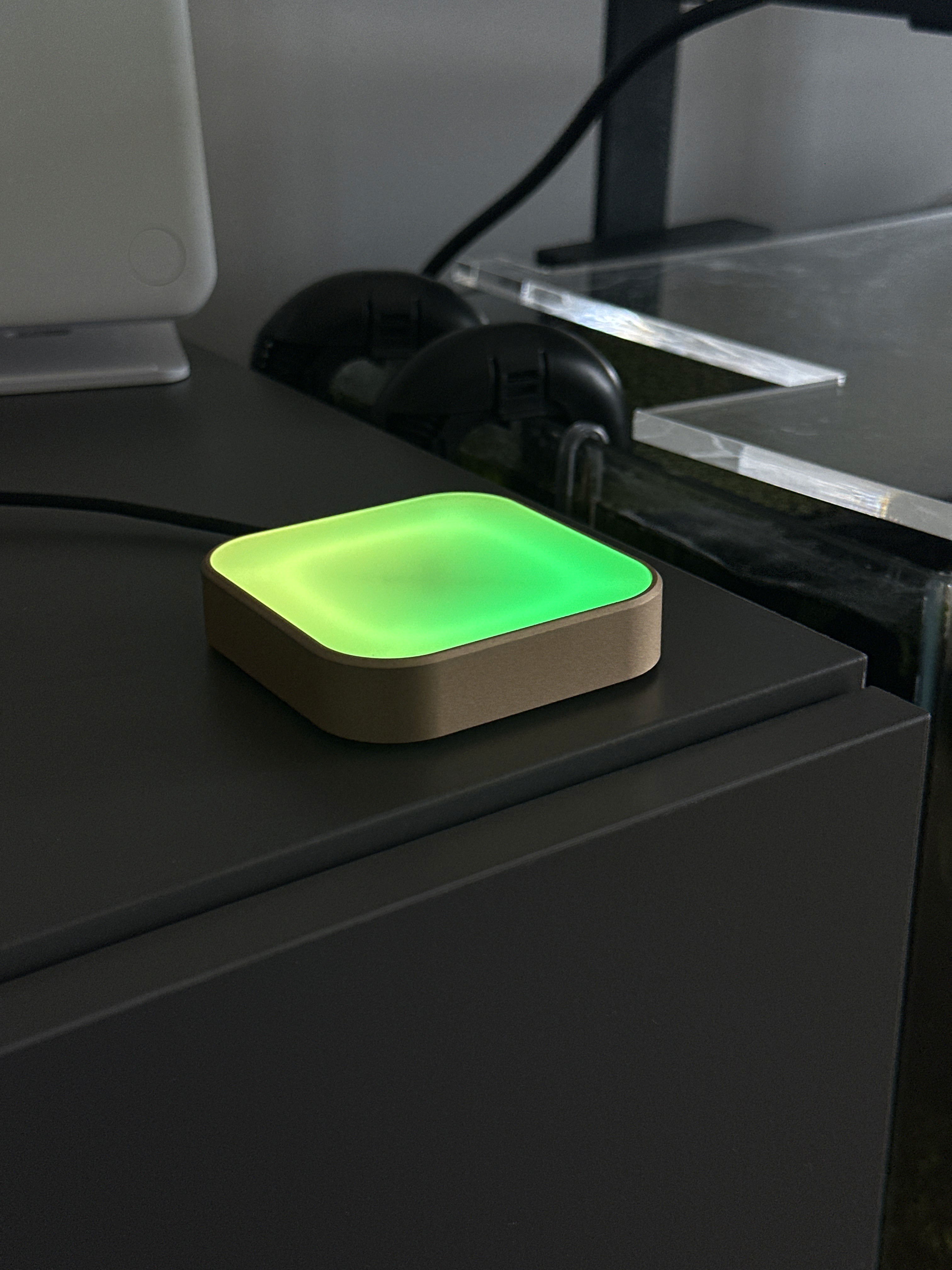
…designed to stay on, so you can finish up what you're doing and come back when you're ready. The colored gradients from Luma subtly glow in the background — creating a persistent notification and letting you know a reminder is due, without being intrusive.
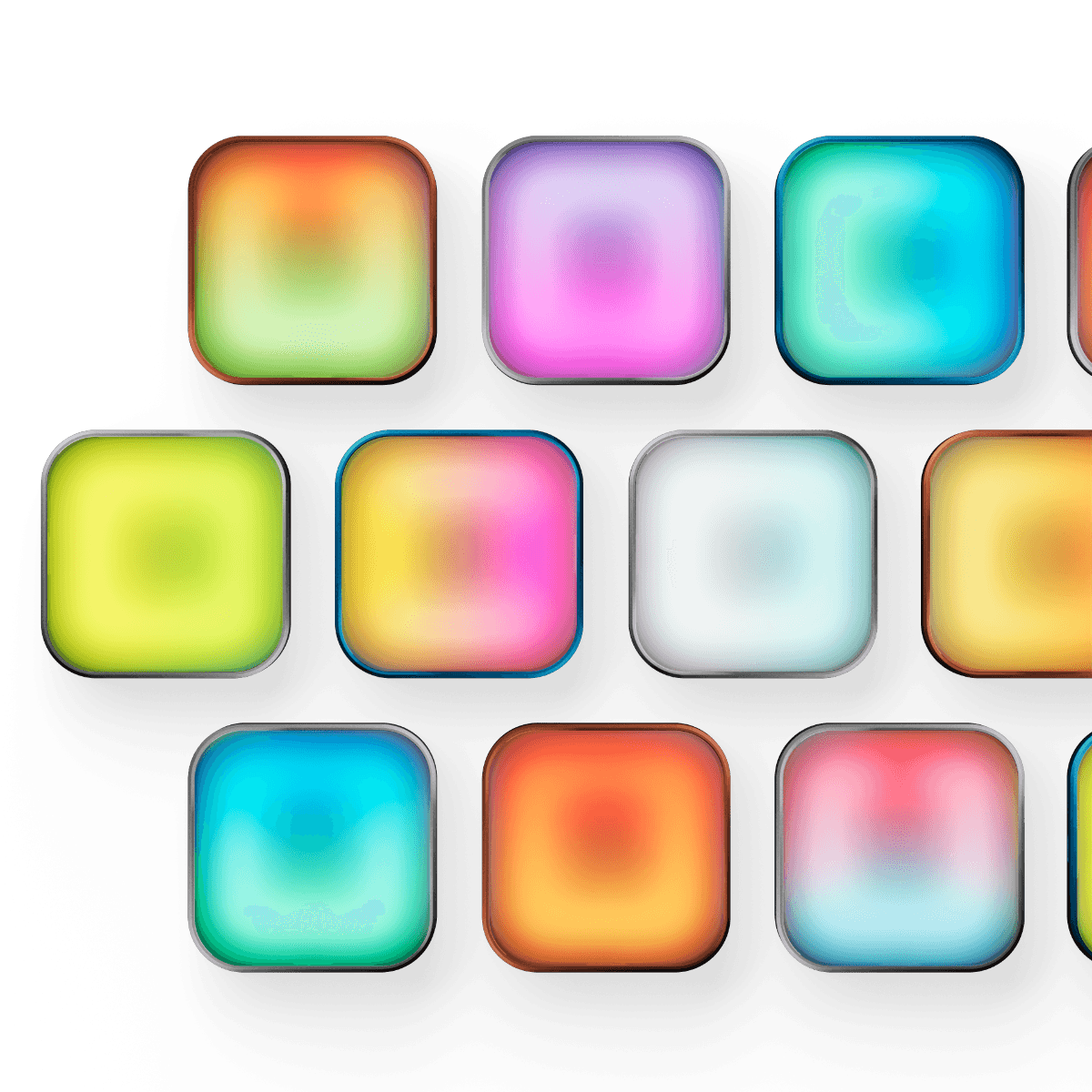
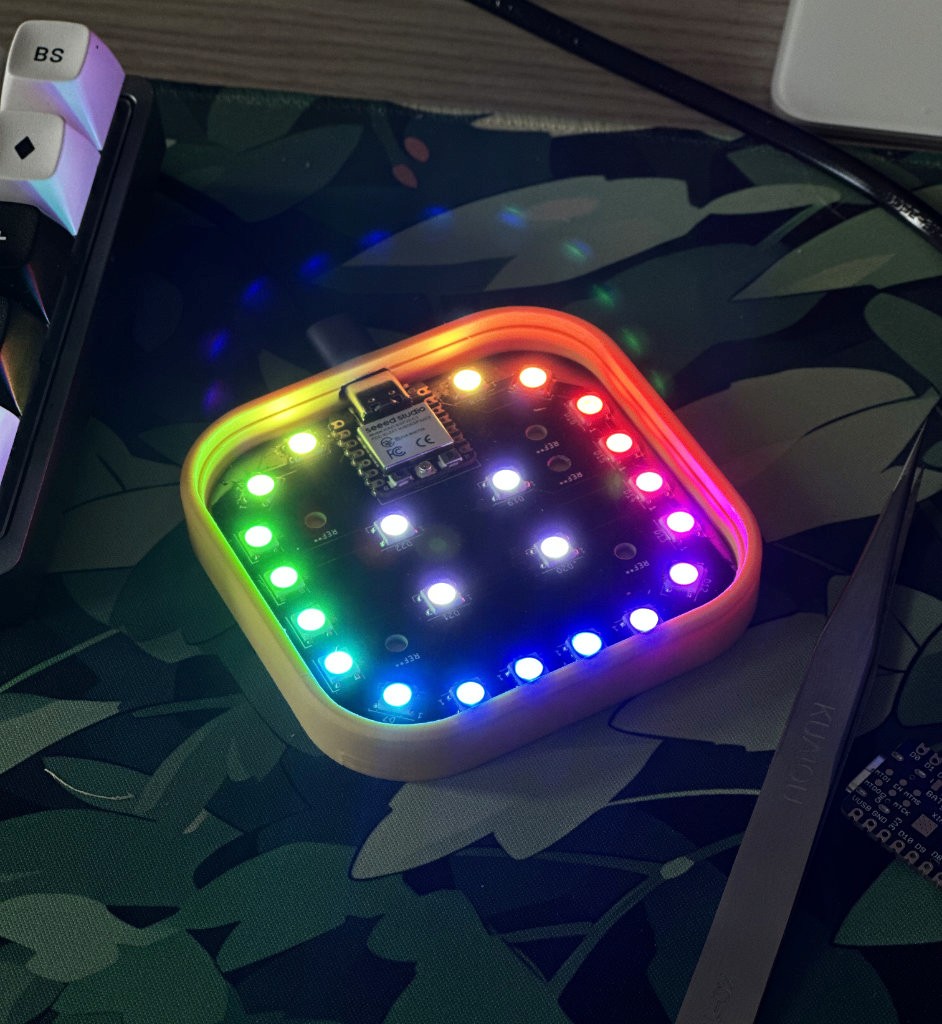
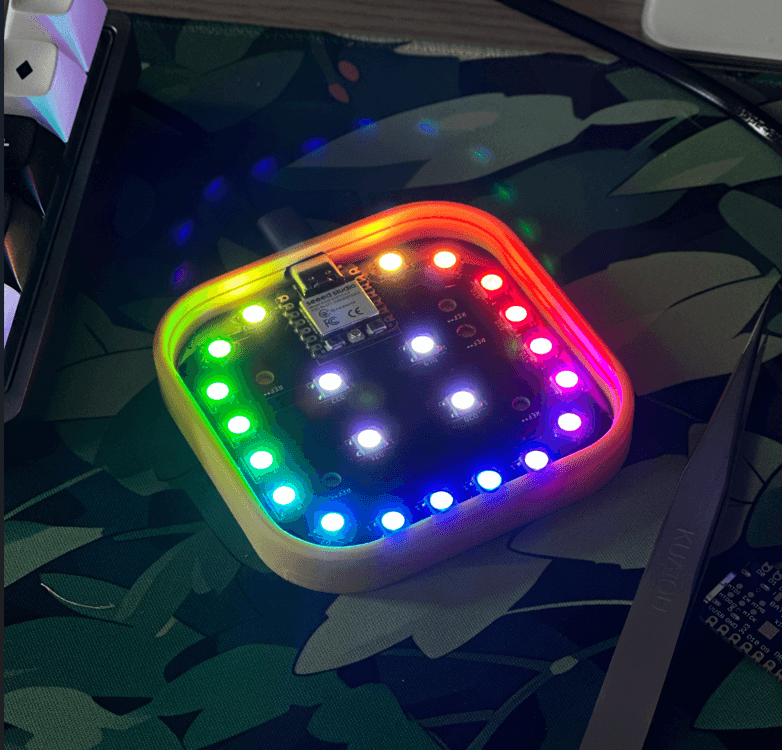
Multiple colorful gradients.
One button to dismiss.
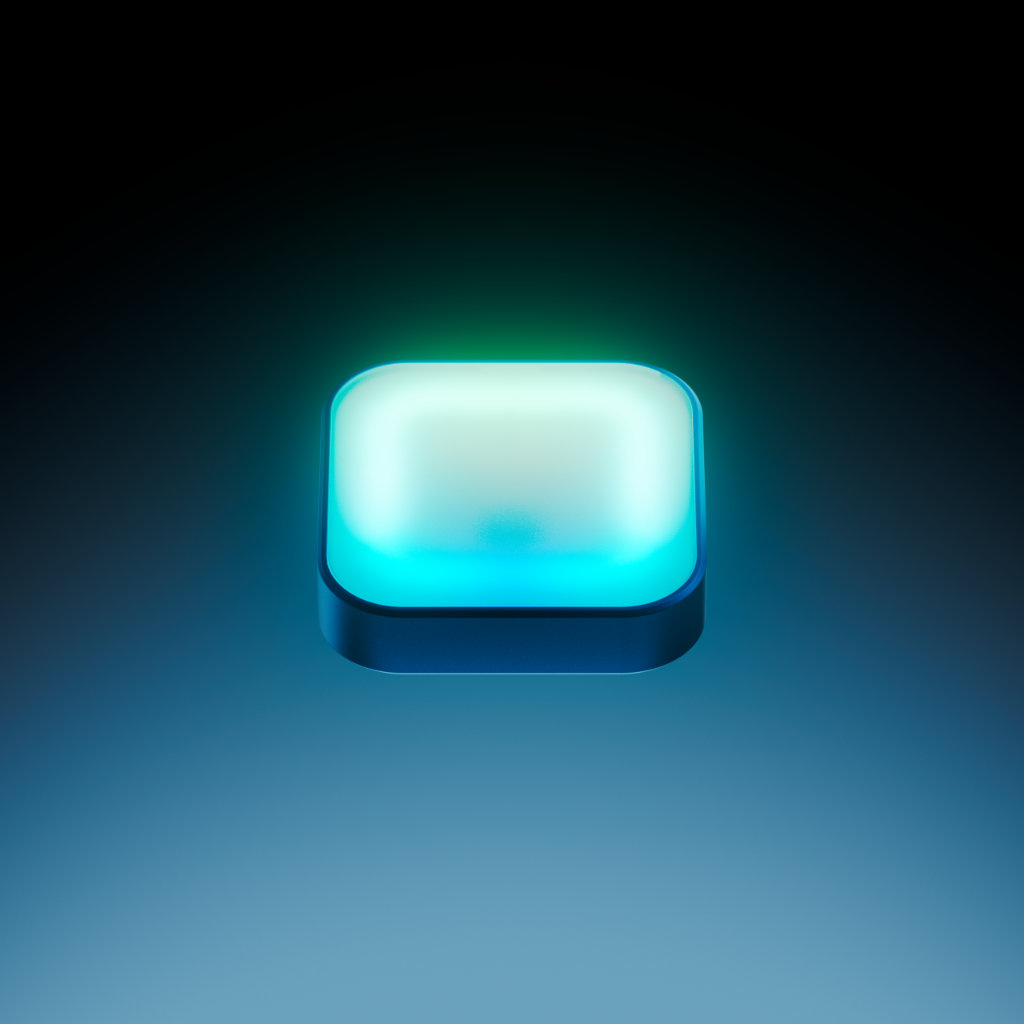
Luma comes with a series of preset and customizable colors and gradients, so you can assign them and color-code specific reminders. One quick glance will let you know if it's time to water your plants, take your supplements, feed your pet or even hydrate yourself! One simple tap on the device will turn each glowing notification off.

Built with purpose.
A lot of things went into the making of this device. But at its core, it's something that has evolved and been modified along with continued use and testing, always following a north star: Reminders should support your rhythm, not hijack it.
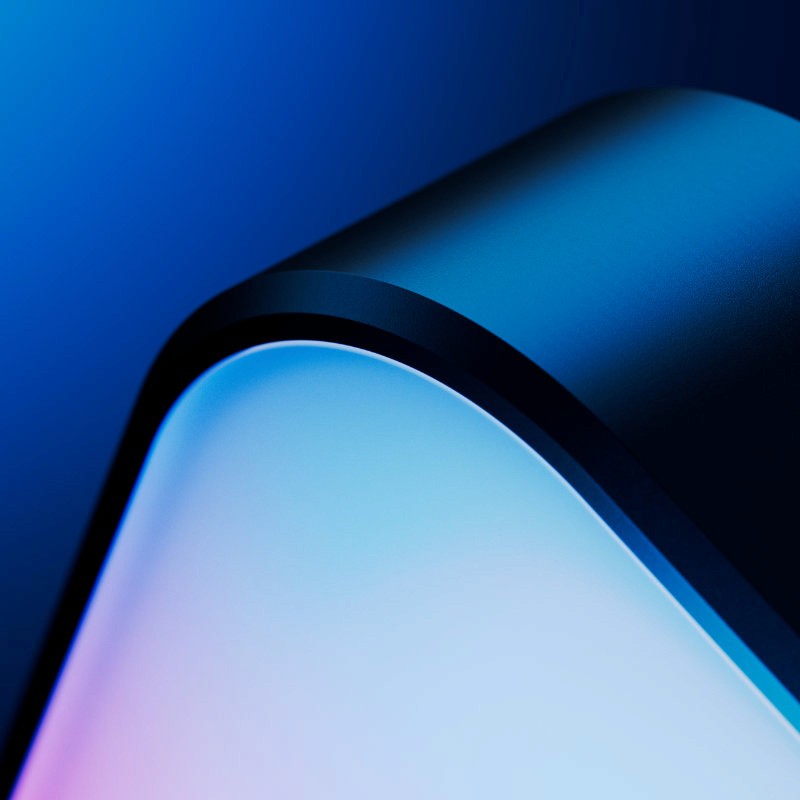
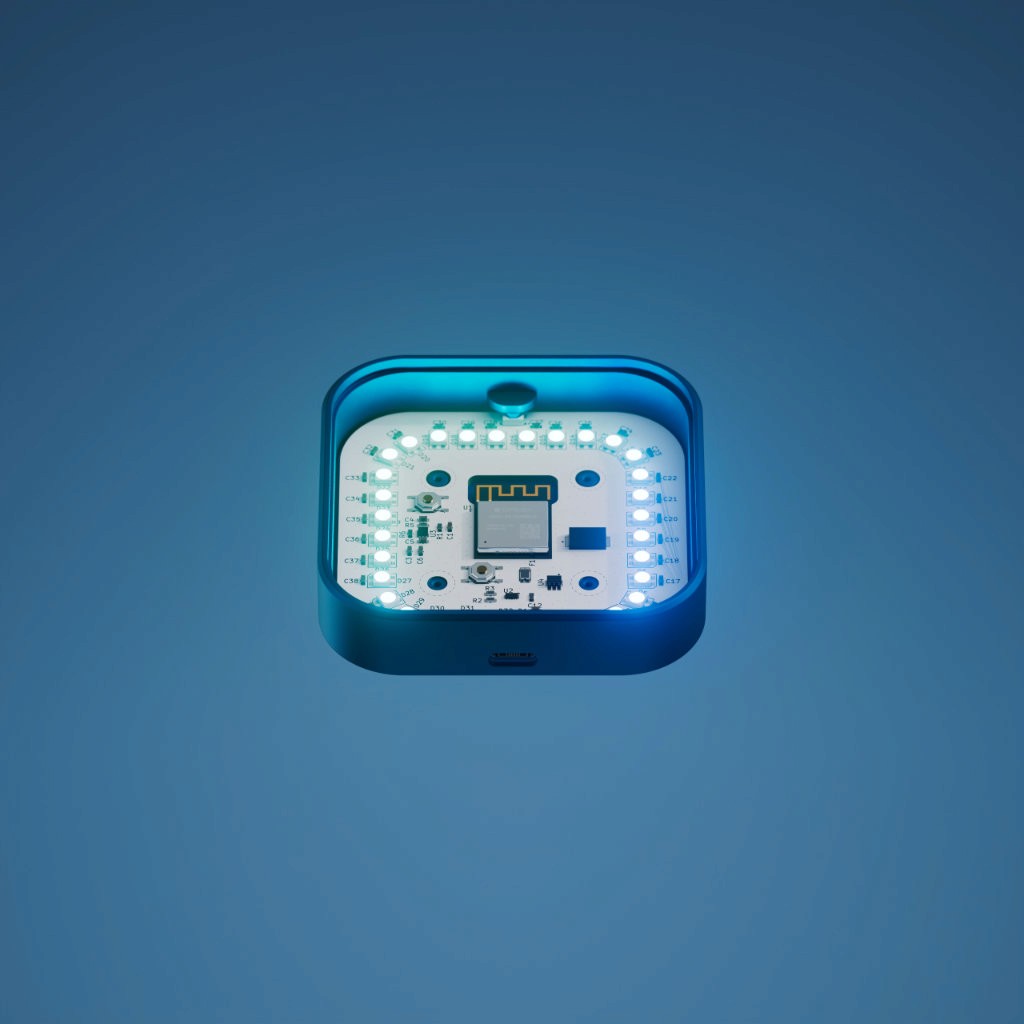
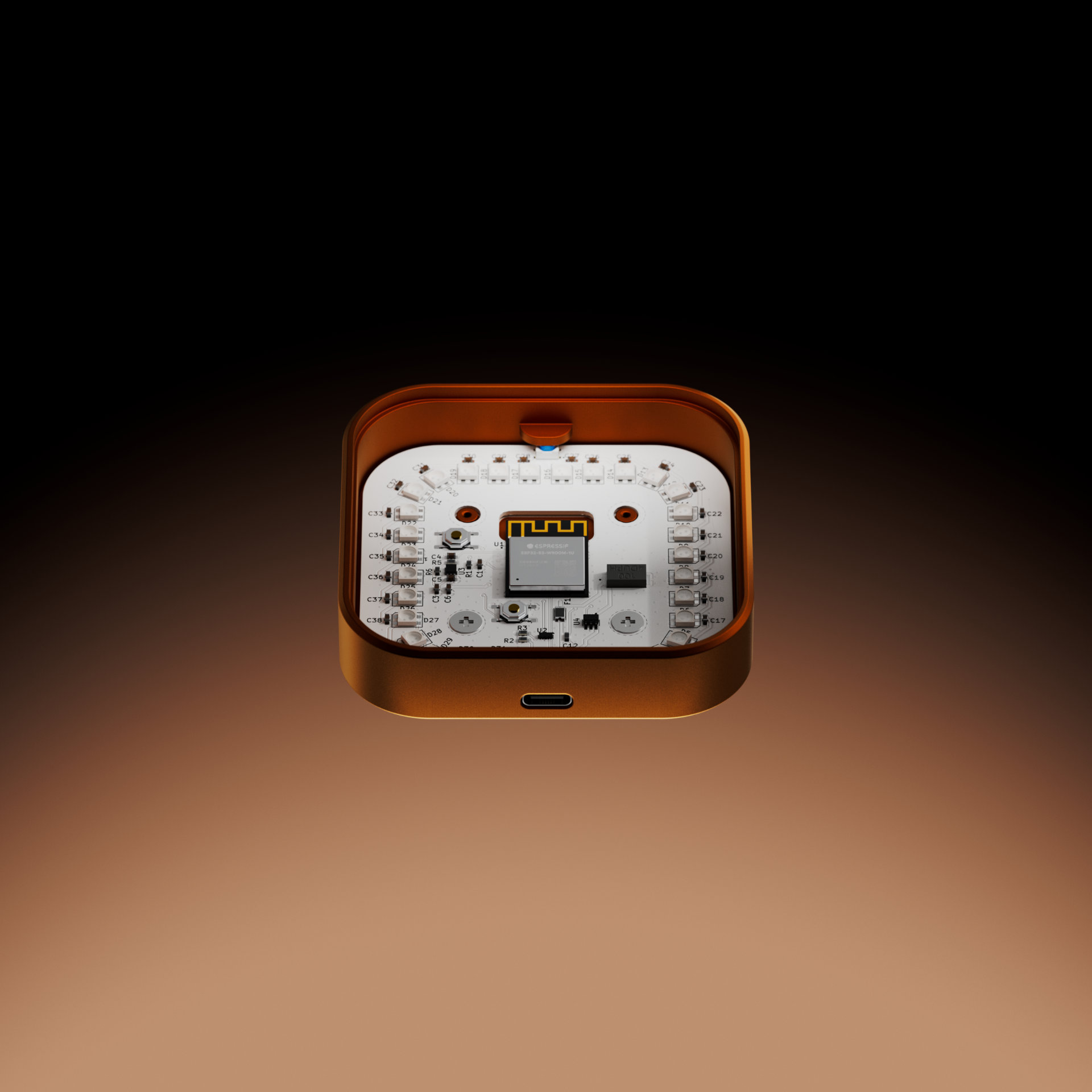
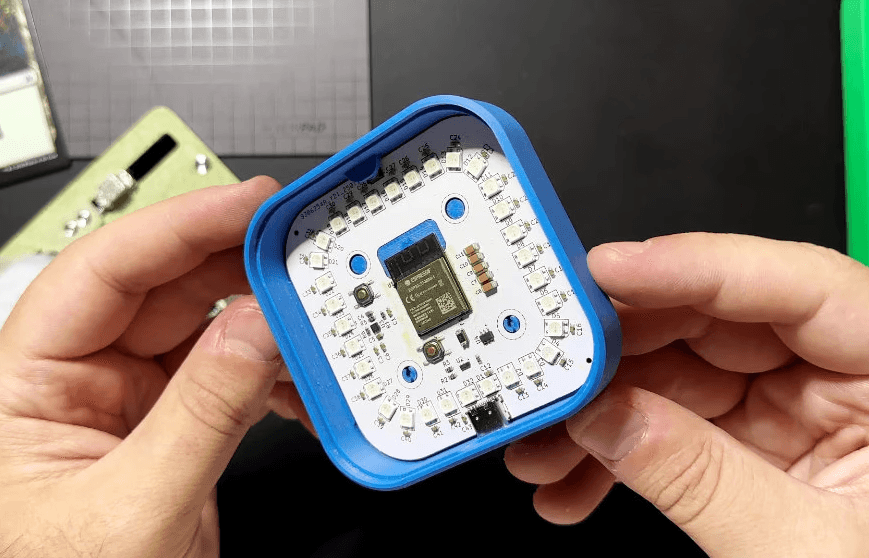
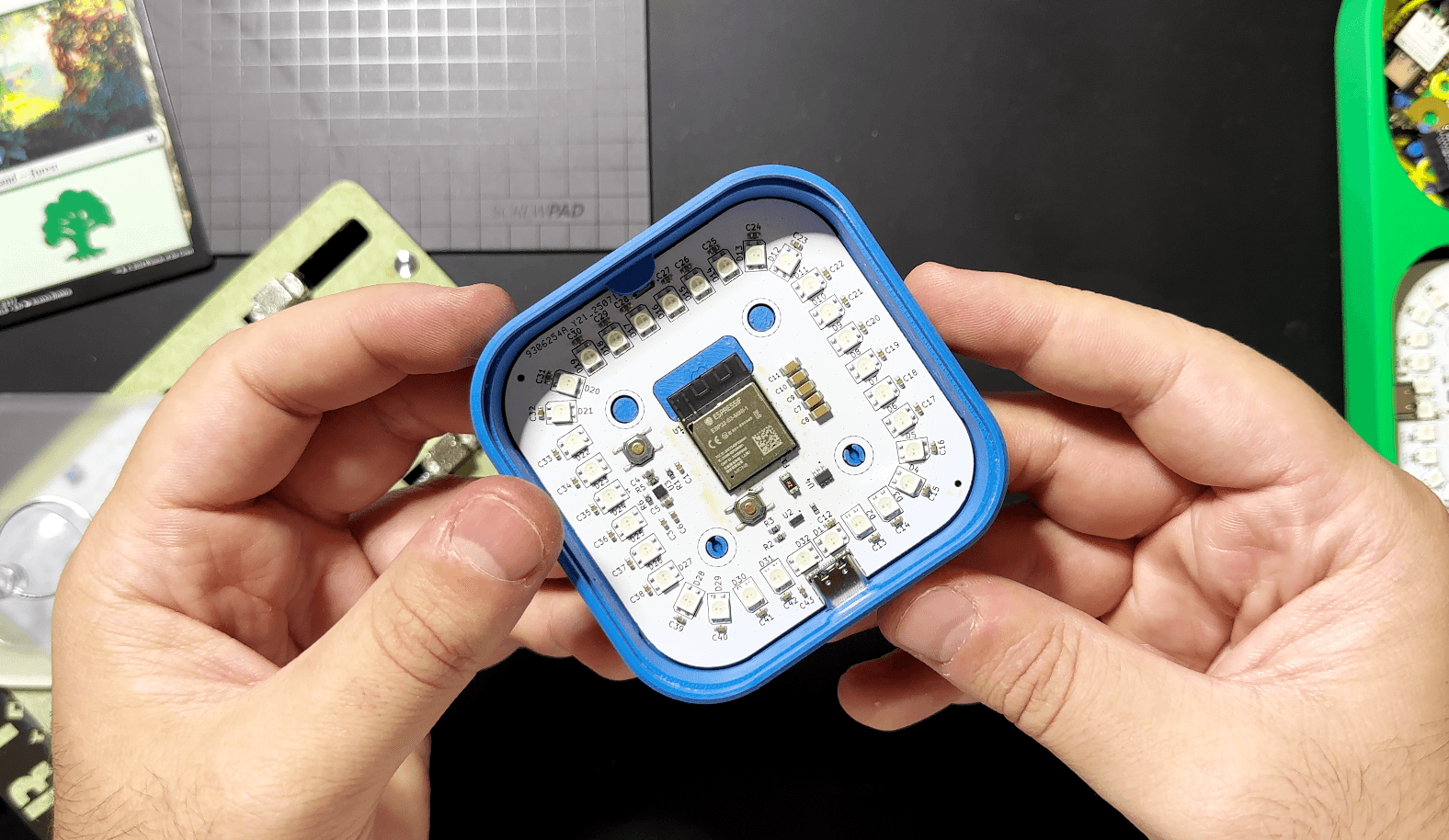
Fully enclosed System

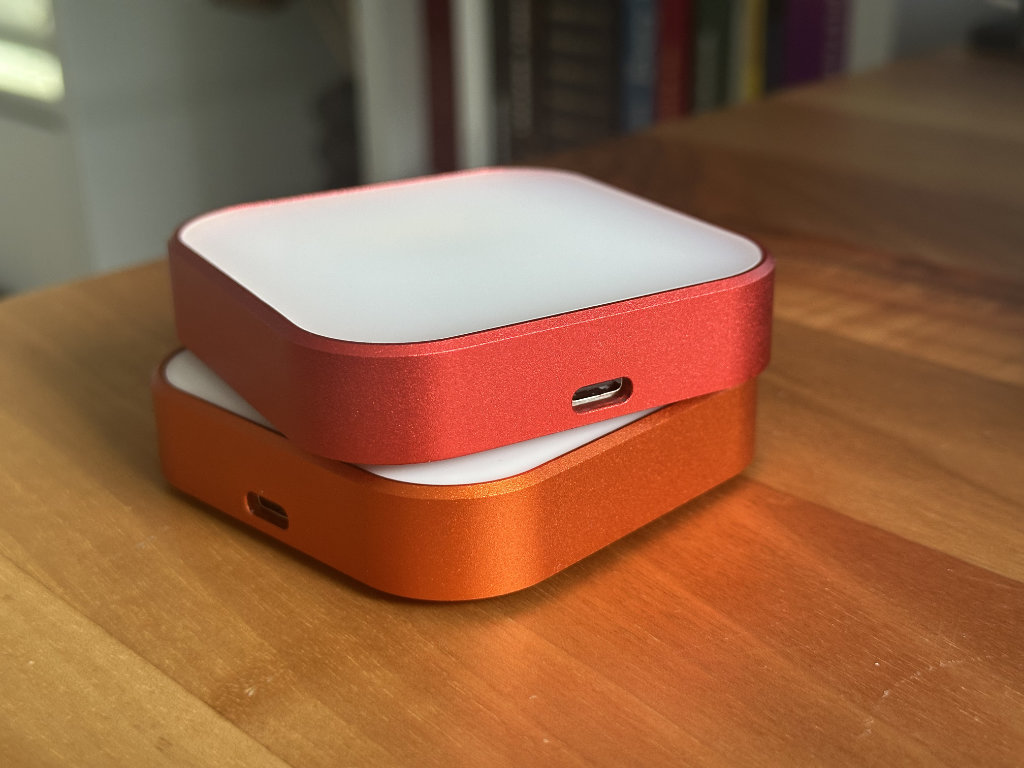
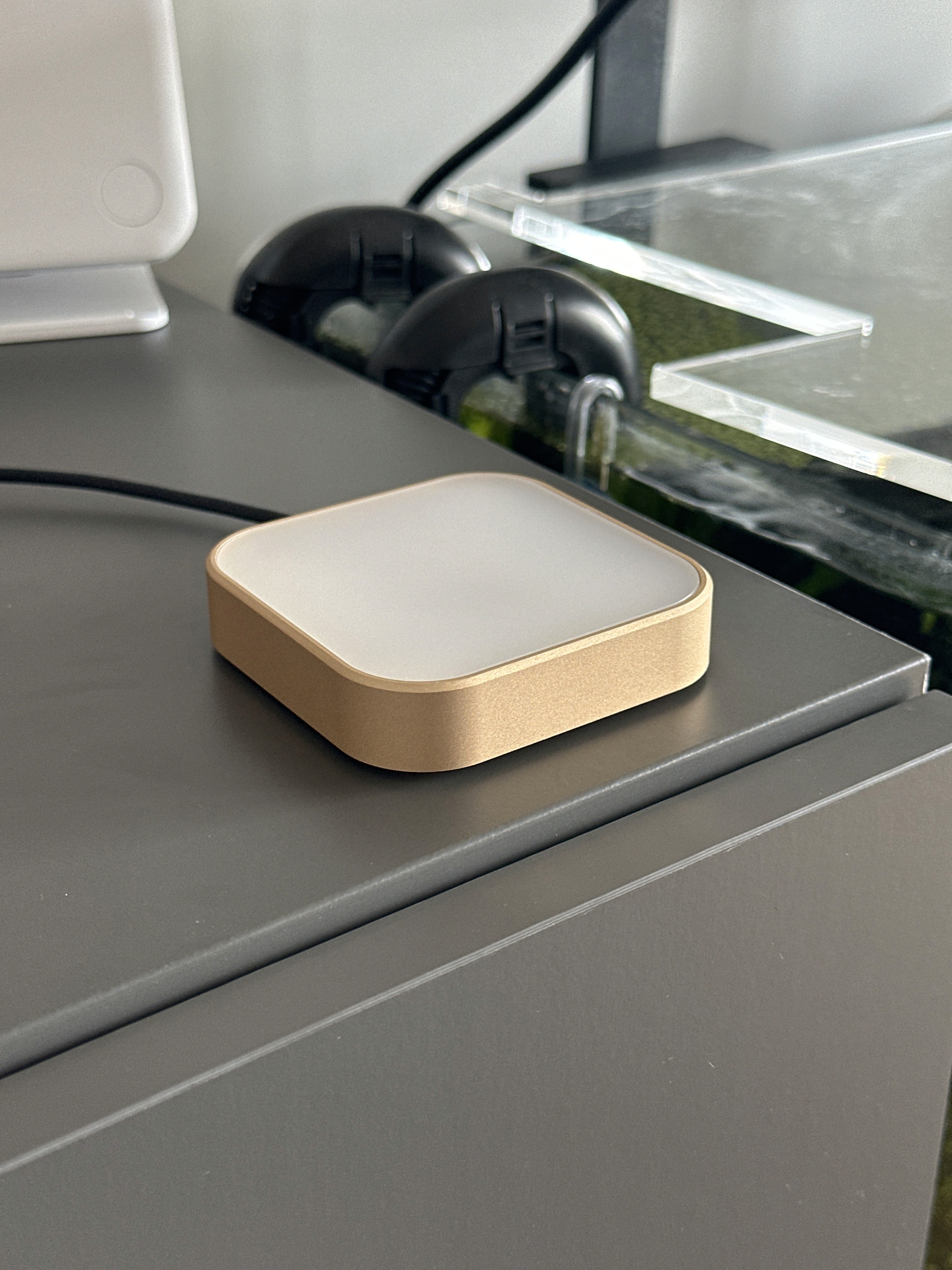
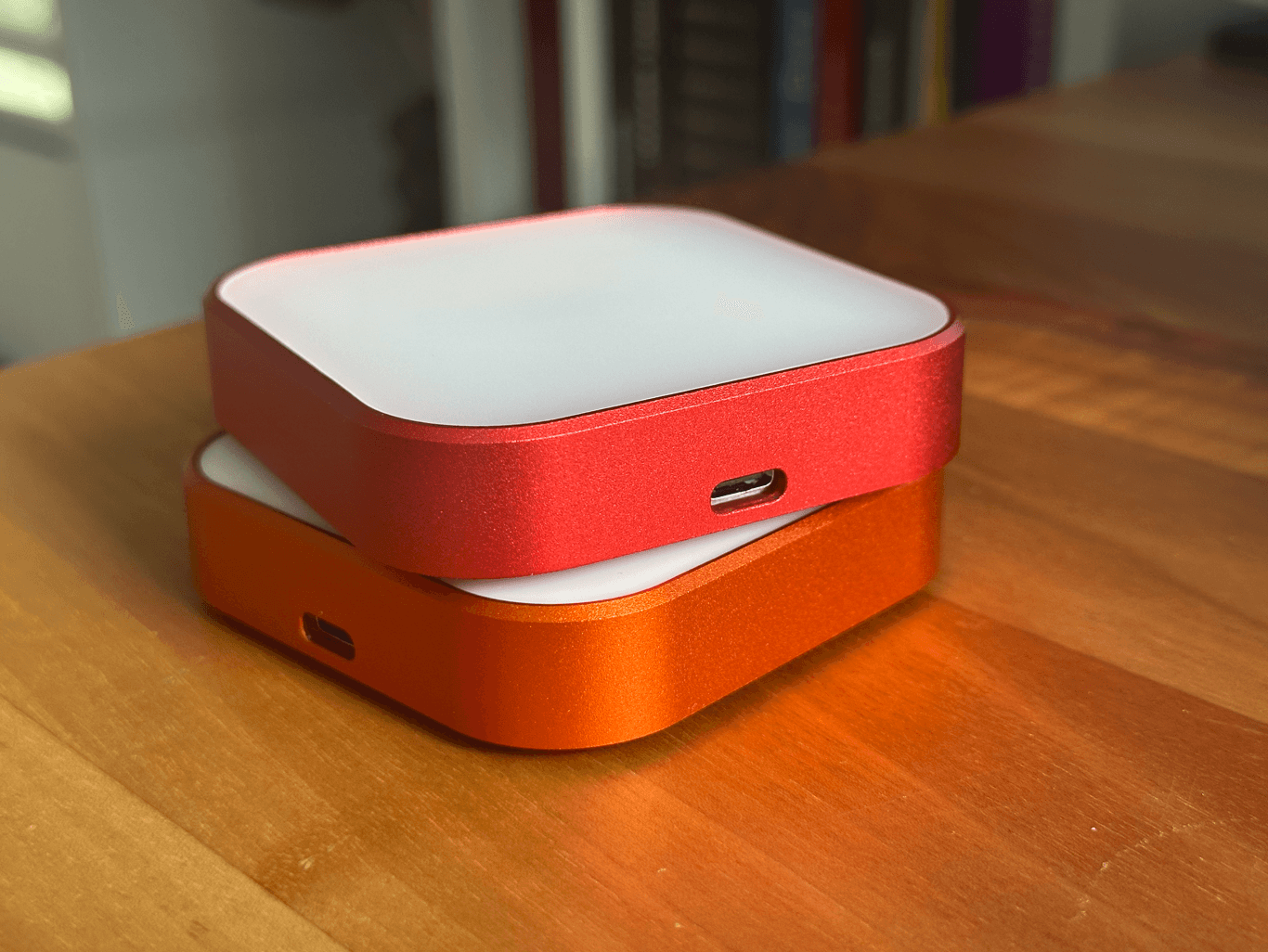
Milled from high-grade anodized aluminum
And it's all yours.
Luma is built to work all on-device: It does not send or receive any personal data, rely on any subscriptions, or depend on cloud servers to work.
There are no sign ups, accounts, phone screens or dopamine traps, just you and your reminders. Once it's set, it's entirely yours — forever.
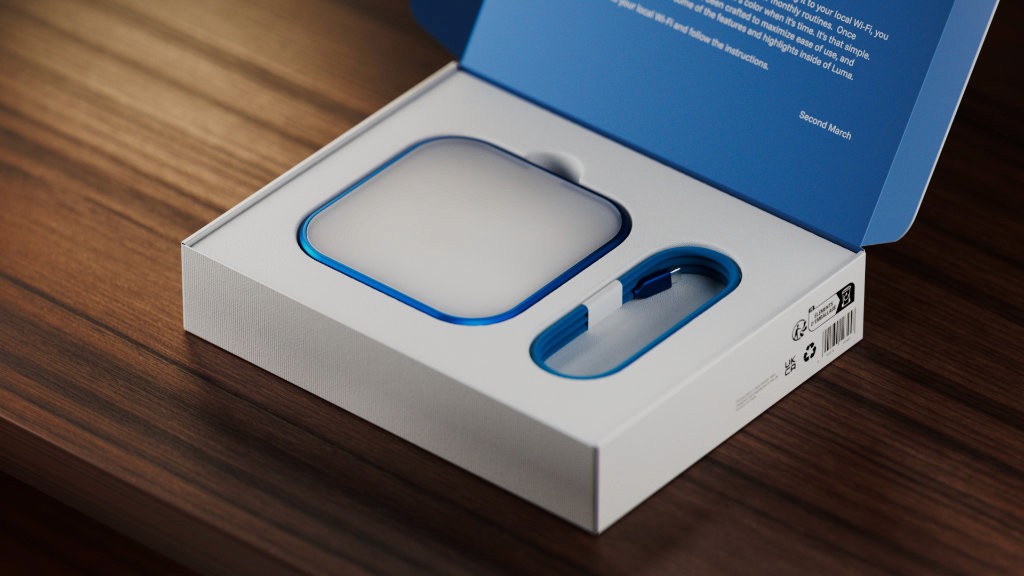
Getting Started:
1. Setup
Connect Luma to your local Wi-Fi to access it from your devices.
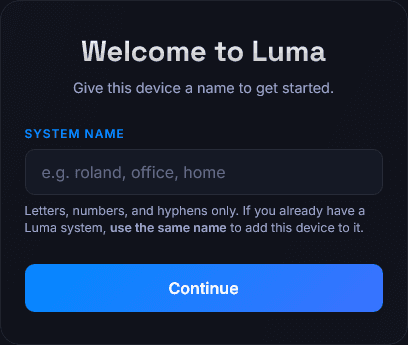
2. Access Web App
Go to 'luma.local' to set up a custom name and optional PIN.
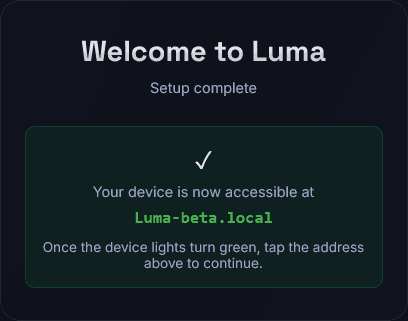
3. Add Reminders
Pick and schedule your reminders and gradients!





By placing the Luma in a visible place and connecting it to your local Wi-Fi, you will be able to set up reminders for your daily, weekly or monthly routines. Once running, Luma will gently glow in your reminder's color when it's time. It's that simple.
With a little sprinkle of extras.
Beyond its main goal, Luma has a range of supporting extra features designed to elevate the experience of creating new and sustainable habits.

Development Roadmap
🟢Prototype
🟢Design
🟢Iterating
🔵Testing
🟠First Batch
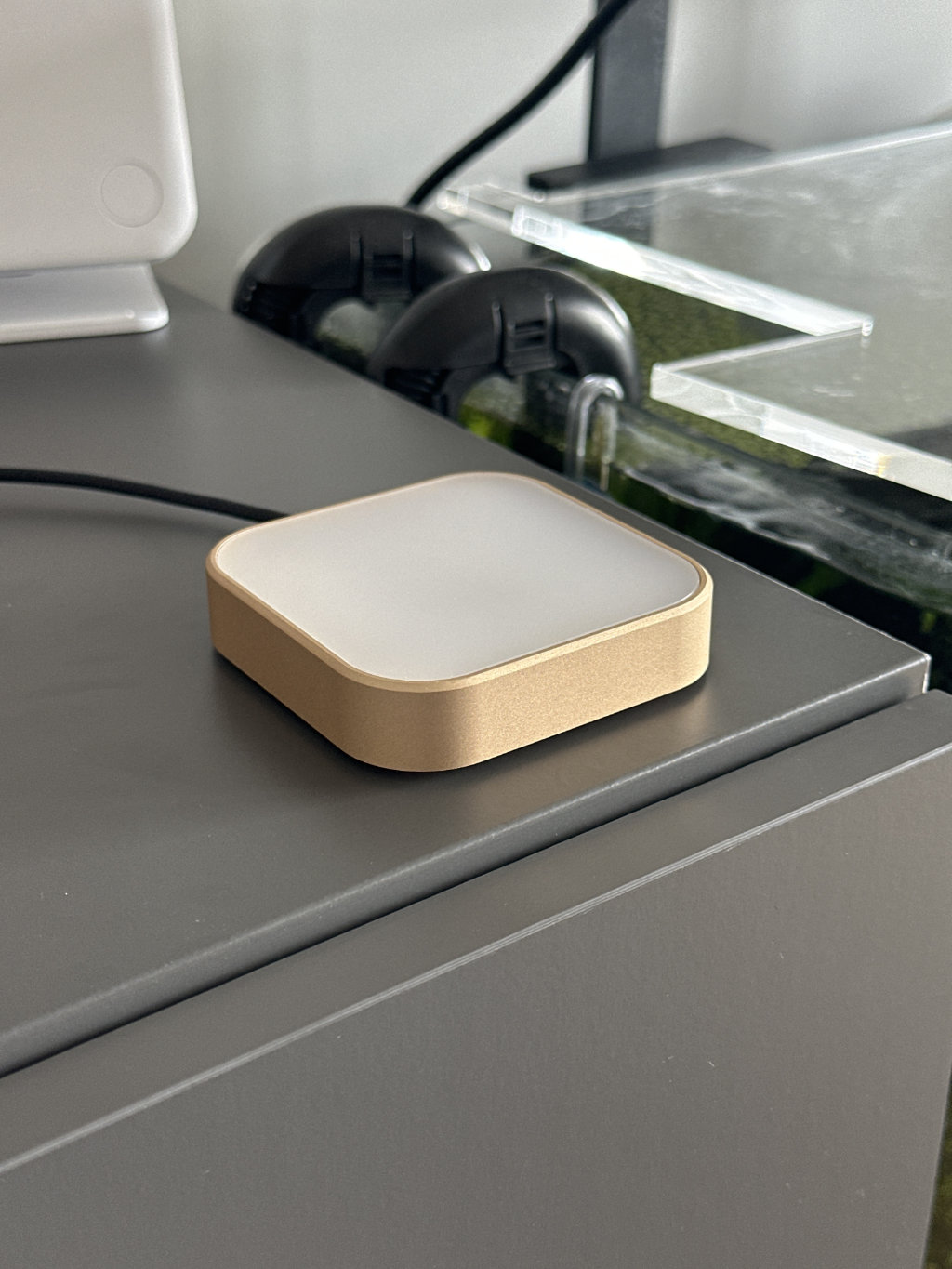
Luma has been working and improving over the course of the last year and a half. At the moment, small-sized successful versions of the Luma have been handed out to alpha testers for feedback.
The goal at this stage is to gather interest and reach.
Frequently Asked Questions
What is Luma?
The Luma is a Wi-Fi enabled device that lets you schedule non-intrusive reminders. Set up a time, a recurrence (e.g. Weekly on Fridays), and a color, and watch it calmly notify you. The glow will stay on until you tap the device, so no pressure!
How does it work?
By placing the Luma in a visible location and connecting it to your local Wi-Fi, you will be able to set up reminders for your daily, weekly or monthly routine.
Who is Luma for?
Luma is for everyone. Create personal habits, share and schedule chores through color coding, or teach your kids important routines without noisy alarms or distracting phones.
Can I have more than one Luma?
Absolutely! Luma has been designed with the ability to share reminders between devices. When you set up a second device in the same network, you have the option to add it to your "main" device. This way, you can pick and choose which notifications appear in which device! Two or more people in the same household can each have their own little army of Luma devices.
Can Luma be shared?
Yes! Whether you share your PIN or set it up without a code for everyone in your household to use, just share the local address and everyone can add, edit, remove and tweak reminders on Luma.
Does Luma use AI?
Luma does not have AI, because it doesn't need to.
Does it require an account or subscription?
No, Luma works by itself. Once connected to your local network (required to keep accurate track of time and to allow configuring reminders) it is 100% yours to use. No accounts, no subscriptions, no extra fees.
Is there a battery-powered version?
Luma comes with a standard USB-C cable, which you can connect to a power socket or a wall outlet to make sure it can stay on. While in theory a battery-powered Luma could be fun, the persistent and continuously glowing notifications that make it special would require charging the device every so often. At best, you'd be charging it every week. At worst, you could miss out on potential reminders if the battery goes off unnoticed!
Are there more advanced features with Luma?
If you're ready to dive deeper, there is a world of opportunities with Luma. The API is open, so you can potentially schedule automations or Apple Shortcuts that trigger after certain actions! I myself have set up my Luma to glow with the bright red gradient at night if I'm about to go to sleep before having checked a "Top priority" item from my To-Do list!